FiveM OneSync & Server Scaling Explained
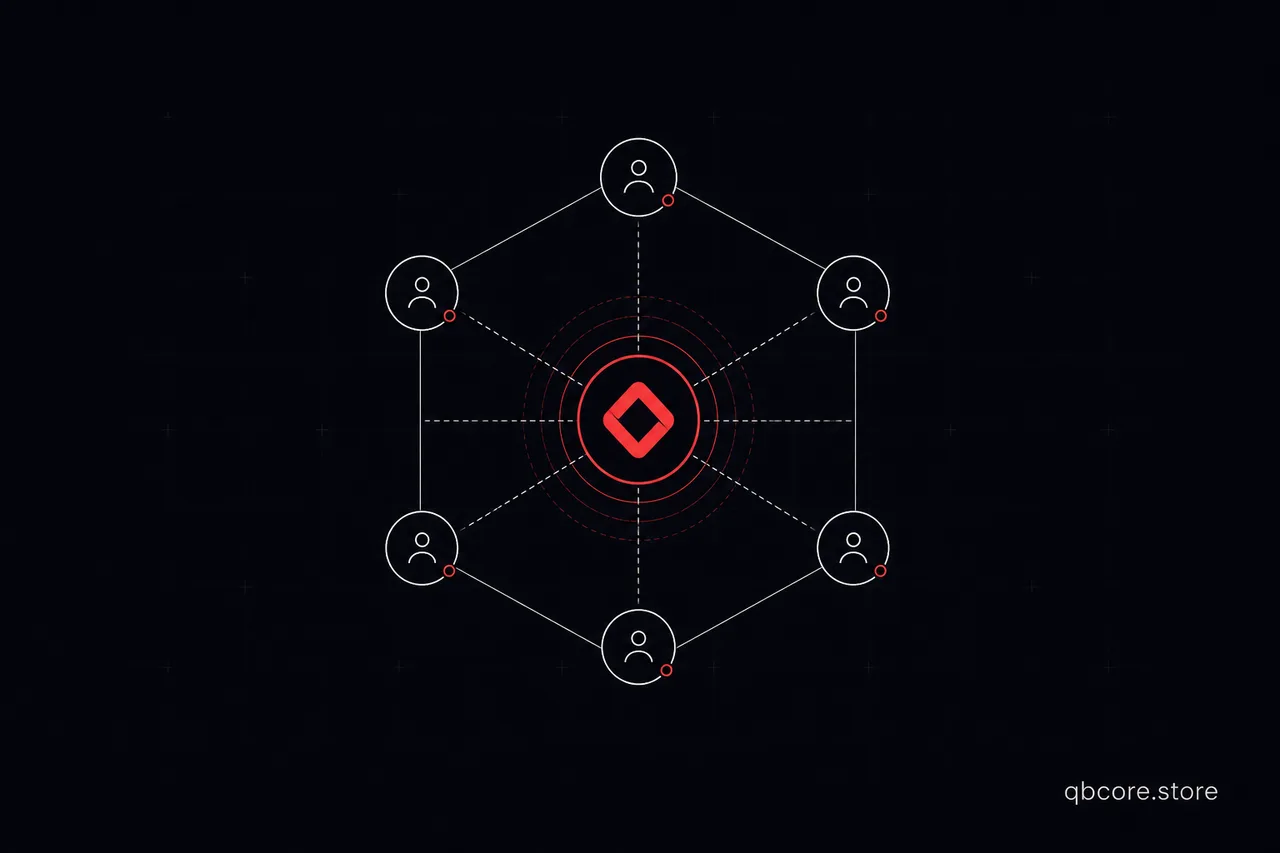
OneSync is the server-side networking system that removes GTA V's old 32-player limit and makes the server the authority over entities. In 2026 it is standard, and understanding it is the difference between a stable 200-player city and a laggy mess.
What OneSync gives you
- Higher slots: far beyond 32 players; OneSync Infinity scales to large populations (up to 2048 slots depending on hardware and design).
- Server-authoritative entities: vehicles, peds and objects are tracked server-side, which is essential for anti-cheat.
- Culling: clients only receive data about entities near them, reducing bandwidth.
Enabling it
onesync on          # OneSync Infinity for large servers
sv_maxclients 128   # can go higher with the right setup
Routing buckets
Routing buckets are separate entity dimensions on the same server. Use them for instances — apartments, dungeons, cutscenes — so players in one bucket don't see or collide with another.
-- put a player into a private instance
SetPlayerRoutingBucket(source, bucketId)
Where servers fall over
Scaling is rarely a hardware problem first — it is usually a script problem:
- Loops without
Wait()freezing threads. - Heavy per-frame logic that should be event-driven.
- Syncing huge tables to every client instead of only nearby players.
A practical scaling checklist
- Enable OneSync Infinity and size slots to your hardware, not your ambition.
- Profile with
resmonand fix the top offenders first. - Move instanced content into routing buckets.
- Cache database reads; batch writes.
- Load-test with real players before you advertise.
What You Will Learn
This Optimization tutorial focuses on practical outcomes for FiveM scripting and QB Core development. By following the steps in FiveM OneSync & Server Scaling Explained (2026), you will understand how the topic fits into a real server workflow and how to apply it safely.
You will learn the reasoning behind the implementation choices (especially for intermediate topics), so you can make the same decisions again for future resources. The goal is to reduce trial-and-error, improve consistency across updates, and help your team ship changes without breaking gameplay.
- Identify the correct use case for this approach in a QB Core or FiveM environment
- Implement the key concepts with an install-ready workflow
- Validate compatibility and avoid common setup conflicts
- Apply best practices to keep your server stable over time
Why This Matters
When scripts, configs, and documentation are aligned with your server architecture, you reduce maintenance overhead. That means fewer upgrade surprises, faster onboarding for new admins, and a more reliable experience for your players.
FAQ
Do I need advanced knowledge? This tutorial is matched to a Intermediate difficulty level, and the steps are designed to build confidence without assuming everything is already known.
Will this work on my QB Core server? The tutorial emphasizes compatibility and integration checks so you can confirm requirements before installing.
How do I apply this to my next update? Use the same workflow and validation approach described here, then adapt the final details to your server’s setup.